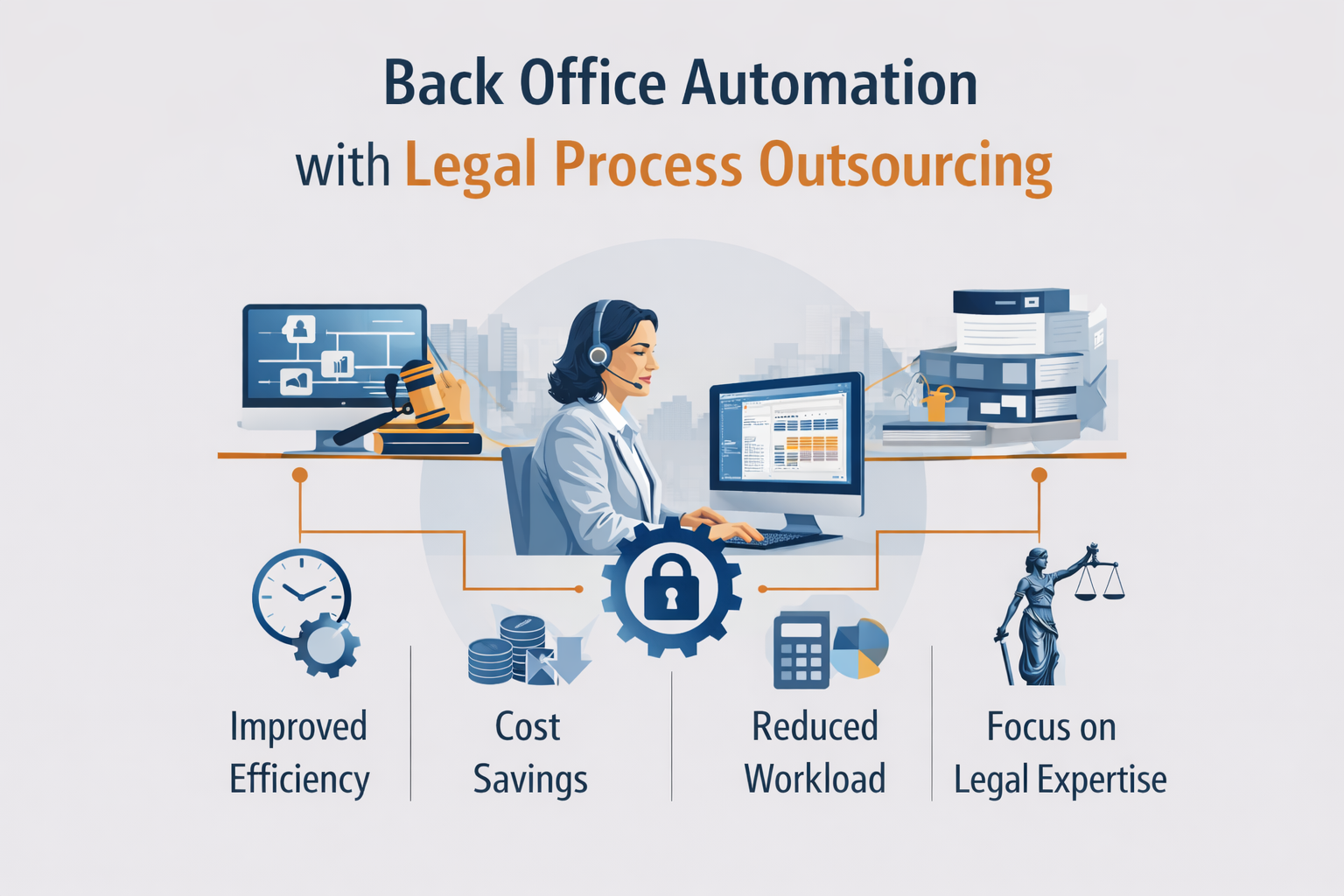
Law firms excel at practicing law but behind every successful practice lies a complex web of administrative, operational, and support functions that consume significant time, resources, and attention. From docketing and deadline management to billing support and document organization, these back-office tasks are essential yet often distract from revenue-generating legal work.
The convergence of legal process outsourcing (LPO) and back-office automation represents a powerful solution for law firms seeking to optimize operations, reduce overhead, and free attorneys to focus on what they do best serving clients and practicing law. Here’s how modern LPO transforms back-office efficiency through strategic automation and expert support.
Understanding the Back Office Challenge
The back office encompasses all the administrative and operational functions that support legal practice but don’t directly generate billable hours:
Docketing and Calendar Management: Tracking court deadlines, filing requirements, statute of limitations dates, and scheduling conflicts across multiple matters and jurisdictions.
Document Management: Organizing, filing, indexing, and retrieving case files, correspondence, pleadings, and discovery materials in accessible, searchable formats.
Time Entry and Billing Support: Recording billable time, preparing invoices, tracking accounts receivable, and managing client billing inquiries.
Client Intake and Onboarding: Processing new client information, conducting conflicts checks, preparing engagement letters, and setting up matter files.
Legal Administrative Tasks: Preparing certificates of service, coordinating filings, managing correspondence, and handling routine communications.
Data Entry and Database Management: Maintaining client information systems, updating case management platforms, and ensuring data accuracy across systems.
For many firms, these functions consume 30-40% of staff time and represent significant overhead costs yet they’re often handled inefficiently through manual processes, outdated systems, and reactive rather than proactive management.
The Automation Opportunity
Back-office automation leverages technology to streamline repetitive tasks, reduce manual errors, and improve operational efficiency. When combined with LPO expertise, automation delivers transformative results:
Intelligent Docketing Systems
Modern docketing solutions automatically calculate deadlines based on court rules, send advance reminders, and integrate with calendar systems but they require proper setup, rule maintenance, and oversight. LPO providers combine automation technology with experienced legal professionals who:
- Configure docketing systems with jurisdiction-specific rules
- Monitor and update rule changes across multiple courts
- Verify deadline calculations and resolve conflicts
- Provide backup monitoring to catch potential errors
- Generate reports on upcoming deadlines and compliance status
The result is a hybrid approach where technology handles calculations while experienced professionals ensure accuracy and completeness.
Document Automation and Management
Document assembly, template management, and automated filing workflows can dramatically reduce time spent on routine documents when implemented properly. LPO support enhances document automation by:
- Creating and maintaining document templates and forms
- Building automated workflows for standard pleadings and correspondence
- Implementing version control and approval processes
- Organizing digital filing systems with consistent naming conventions
- Extracting and indexing key information from incoming documents
- Managing document repositories and ensuring accessibility
Technology provides the platform; LPO expertise ensures it’s used effectively and maintained properly.
Time Entry and Billing Automation
Automated time tracking, billing rate tables, and invoice generation reduce billing cycle time and improve accuracy. LPO billing support enhances automation by:
- Monitoring time entry completeness and accuracy
- Applying billing guidelines and client-specific requirements
- Reviewing automated invoices for errors or anomalies
- Processing billing adjustments and write-offs
- Managing accounts receivable follow-up
- Preparing custom billing reports and realization analysis
The combination delivers faster, more accurate billing with less attorney and staff involvement.
Client Relationship Management (CRM) Integration
CRM platforms track client communications, marketing activities, and business development efforts but only when consistently maintained. LPO support ensures CRM effectiveness by:
- Recording client interactions and correspondence
- Updating matter status and milestone information
- Managing contact information and relationship data
- Generating client communication and reporting
- Analyzing client profitability and engagement patterns
Automation captures data; LPO professionals ensure it’s accurate, complete, and actionable.
Key Benefits of Automated LPO Back Office Support
- Dramatic Cost Reduction
Automating routine back-office tasks through LPO delivers 40-60% cost savings compared to handling these functions with in-house staff. You eliminate overhead (benefits, office space, technology), reduce supervision requirements, and pay only for productive work rather than idle capacity.
- Improved Accuracy and Compliance
Automated systems coupled with experienced LPO oversight dramatically reduce errors in critical areas like deadline tracking, billing, and document management. Missed deadlines, billing errors, and compliance failures decline significantly when technology and human expertise work together.
- Scalability and Flexibility
As your practice grows or experiences volume fluctuations, automated LPO support scales instantly without recruitment, training, or capacity constraints. Handle peak periods efficiently without maintaining excess staff during slower times.
- Enhanced Attorney Productivity
When attorneys and senior staff are freed from administrative tasks, they can focus on legal strategy, client relationships, and business development the high-value activities that drive revenue and differentiate your practice. Many firms see 15-25% increases in attorney billable capacity.
- Better Client Service
Automated workflows ensure faster response times, more consistent communication, and fewer administrative delays. Clients benefit from efficient operations, accurate billing, and responsive service improving satisfaction and retention.
- Data-Driven Insights
Automated systems generate rich data about practice operations, matter profitability, attorney productivity, and client relationships. LPO support transforms this data into actionable insights that inform strategic decisions about staffing, pricing, and practice focus.
- Risk Mitigation
Systematic processes, automated reminders, and professional oversight reduce risks associated with missed deadlines, compliance failures, and administrative errors that can trigger malpractice claims or client disputes.
Common Back Office Functions Ideal for Automated LPO Support
Docket and Calendar Management
- Court deadline calculation and tracking
- Statute of limitations monitoring
- Filing deadline management
- Hearing and deposition scheduling
- Conflict checking and calendar coordination
- Reminder systems and escalation protocols
Legal Administrative Support
- Document preparation from templates
- Certificate of service preparation
- Filing coordination and confirmation
- Correspondence management
- Client communication tracking
- Reception and phone support overflow
Billing and Time Management
- Time entry monitoring and follow-up
- Invoice preparation and distribution
- Billing guideline compliance review
- Payment processing and application
- Accounts receivable management
- Financial reporting and analysis
Document and Case Management
- Digital file organization and indexing
- Document version control
- Email filing and management
- Discovery document tracking
- Case file preparation and maintenance
- Records retention compliance
Client Intake and Onboarding
- New client information processing
- Conflicts checking
- Engagement letter preparation
- Matter setup in practice management systems
- Initial file organization
- Client portal access setup
Data Management and Reporting
- Contact database maintenance
- Case management system updates
- Custom report generation
- Dashboard creation and monitoring
- Data quality audits and cleanup
- Analytics and performance tracking
Implementation: How Automated LPO Back Office Support Works
Transitioning to automated LPO back-office support follows a structured process:
- Assessment and Planning
The LPO provider evaluates your current back-office operations, identifies automation opportunities, assesses technology infrastructure, and develops an implementation roadmap tailored to your priorities and budget.
- Technology Configuration
Automation platforms are configured, integrated with your existing systems (practice management software, accounting platforms, document management), and customized to your firm’s workflows and preferences.
- Process Documentation and Training
Standard operating procedures are documented, workflows are mapped, and both your team and the LPO support staff receive training on new systems and processes.
- Phased Rollout
Implementation typically begins with one or two back-office functions, allowing you to build confidence and refine processes before expanding to additional areas. Common starting points include docketing, billing support, or document management.
- Ongoing Operation and Optimization
Once operational, the LPO team handles day-to-day back-office tasks using automated systems, with regular reporting, quality monitoring, and continuous process improvement based on performance data and feedback.
- Strategic Partnership Evolution
Over time, the LPO relationship evolves from transactional support to strategic partnership, with the provider offering insights, recommending optimizations, and proactively identifying opportunities to enhance efficiency.
Technology Integration: Working with Your Existing Systems
Modern LPO providers integrate seamlessly with the technology platforms law firms already use:
Practice Management Systems: Clio, MyCase, PracticePanther, Smokeball, and other legal-specific platforms for case management, time tracking, and billing.
Document Management: NetDocuments, iManage, SharePoint, and cloud storage solutions for document organization and collaboration.
Accounting Software: QuickBooks, Xero, and legal-specific accounting platforms for financial management and trust accounting.
Communication Platforms: Microsoft 365, Google Workspace, Slack, and other tools for email, calendaring, and collaboration.
Court Filing Systems: E-filing portals, PACER, and jurisdiction-specific systems for electronic filing and case monitoring.
This integration ensures continuity you don’t need to abandon familiar tools or retrain staff on new platforms. LPO support enhances your existing technology investment through expert utilization and systematic processes.
Addressing Common Concerns
“Will automation eliminate the personal touch?”
Automation handles repetitive tasks; human professionals manage relationships, exercise judgment, and handle exceptions. The result is actually more time for personalized client service rather than less.
“How do I maintain control over my practice?”
You retain complete oversight through reporting, communication protocols, and system access. LPO providers work as an extension of your team, following your processes and standards.
“What about data security and confidentiality?”
Professional LPO providers implement bank-level encryption, secure access controls, confidentiality agreements, and compliance with legal industry privacy standards. Many firms find LPO security protocols exceed their own internal practices.
“Is this only for large firms?”
Automated LPO support scales to firms of any size. Solo practitioners and small firms often benefit most dramatically because they lack dedicated administrative staff and have the highest proportional overhead costs.
“What’s the learning curve?”
Because LPO providers handle system configuration and operation, your team’s learning curve is minimal. You interact through familiar interfaces and workflows while the LPO team manages the technical complexity behind the scenes.
Measuring Success: Key Performance Indicators
Effective automated LPO partnerships track measurable outcomes:
Cost Metrics:
- Back-office cost per matter
- Administrative overhead as percentage of revenue
- Cost per billable hour supported
- Technology ROI and utilization rates
Efficiency Metrics:
- Time from client intake to matter setup
- Billing cycle time (time entry to invoice delivery)
- Document turnaround time
- Deadline compliance rate
Quality Metrics:
- Error rates in docketing, billing, and document preparation
- Client complaints related to administrative functions
- Missed deadline incidents
- Data accuracy scores
Productivity Metrics:
- Attorney billable hour capacity
- Staff time allocated to high-value vs. administrative tasks
- Matter throughput and cycle time
- Client onboarding speed
Regular reporting on these metrics demonstrates value and identifies opportunities for continued improvement.
The Strategic Advantage
Back-office automation through LPO isn’t about cutting corners it’s about strategic resource allocation. By delegating routine administrative tasks to automated systems managed by specialized professionals, law firms can:
- Reduce operational costs by 40-60%
- Improve accuracy and reduce risk
- Free attorneys to focus on revenue-generating work
- Scale operations without proportional overhead increases
- Enhance client service through efficient operations
- Gain data-driven insights into practice performance
In an increasingly competitive legal market where clients demand value and efficiency, optimized back-office operations have become a competitive necessity rather than a luxury.
Looking Forward
The future of law firm operations lies in the intelligent combination of automation technology and human expertise. As artificial intelligence, machine learning, and process automation continue to advance, the opportunities for back-office optimization will only expand.
Law firms that embrace this model partnering with LPO providers to automate and professionalize back-office operations position themselves for sustainable growth, improved profitability, and enhanced client service in an evolving legal landscape.
The question isn’t whether to automate and outsource back-office functions, but how quickly you can implement solutions that transform your practice’s operational efficiency and competitive position.
Ready to transform your firm’s back-office operations? FourFold LPO provides comprehensive legal administrative support including docketing and deadline management, billing support, document management, legal data entry, and paralegal services across all practice areas. Our experienced professionals combine advanced technology platforms with systematic processes to deliver the accuracy, efficiency, and cost savings your practice needs. Contact us today to discuss how automated LPO back-office support can optimize your operations and free your team to focus on practicing law.
Leave a Reply